Product overview
A shared iPad that knows who picked it up.
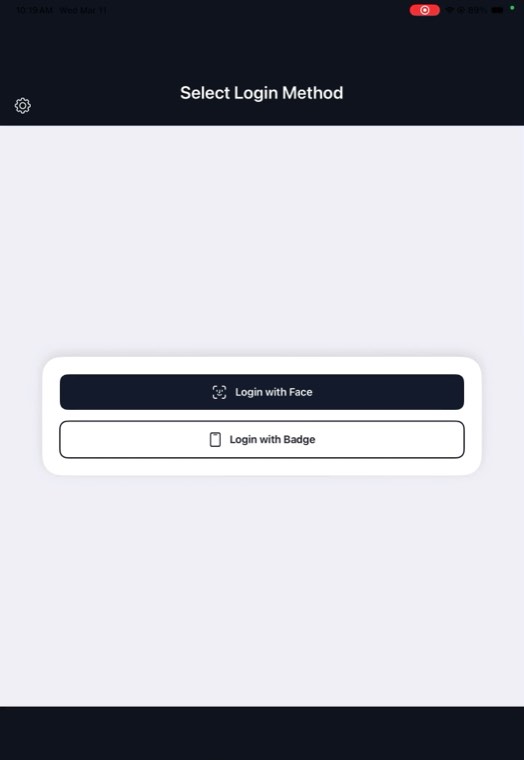
OLOID iOS Launcher replaces the device passcode with the worker themselves. They show their face or tap their badge, the iPad opens, and the applications they need are already signed in.
Product overview
OLOID iOS Launcher replaces the device passcode with the worker themselves. They show their face or tap their badge, the iPad opens, and the applications they need are already signed in.
The problem with a shared device
A tablet that moves between people usually ends up with one passcode the whole shift knows — taped to the back, or passed along at hand‑over. It is slow, it cannot be attributed to anyone, and it is the first thing to leak. Taking it away is only possible if something faster replaces it.
Signing in
The worker chooses from the methods the device is configured for. Both take about a second, and neither asks them to remember anything.
Identity
Signing in at the iPad issues a session token for that person. It federates with the identity provider the organisation already operates, so the worker arrives at each application as a named identity from your directory — on a device that several people share.
Credentials
Not every application can take a session token. The launcher carries its own vault so those still open signed in: it holds passwords and passkeys for the worker and fills them in on their behalf, in the browser and in native iPad applications.
See it running
Screen recordings from an iPad in a working deployment.
Sign in and open an app. A worker picks their sign-in method, is recognised, and lands in a work application that is already signed in — no device passcode at any point.
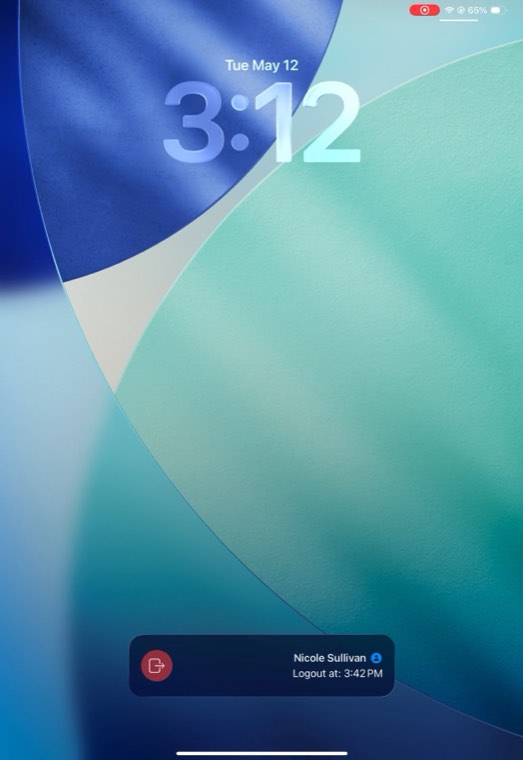
Login and logout. The full round trip: signing in, working, then signing out so the iPad is returned to a clean state for whoever picks it up next.
Video loads only when you press play.
At a glance
| Runs on | Shared iPad and iPhone devices. |
|---|---|
| Replaces | The shared device passcode, and the per‑application sign‑ins that follow it. |
| Sign-in | Face captured by the device camera, or the worker’s existing physical badge. |
| Identity | A per‑worker session token federated with Microsoft Entra ID, Okta or Ping Identity. |
| Credentials | Built‑in password and passkey manager that fills web and native iPad applications. |
| Hand-over | Signing out ends the session and returns the device to the sign‑in screen. |