Product overview
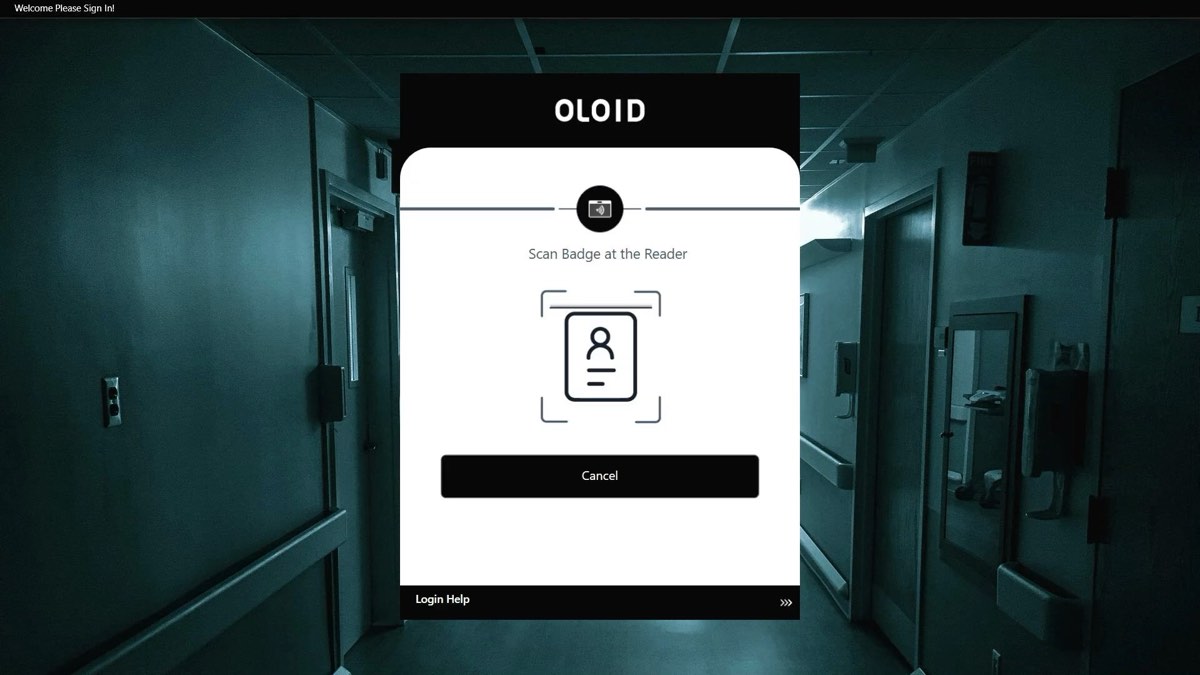
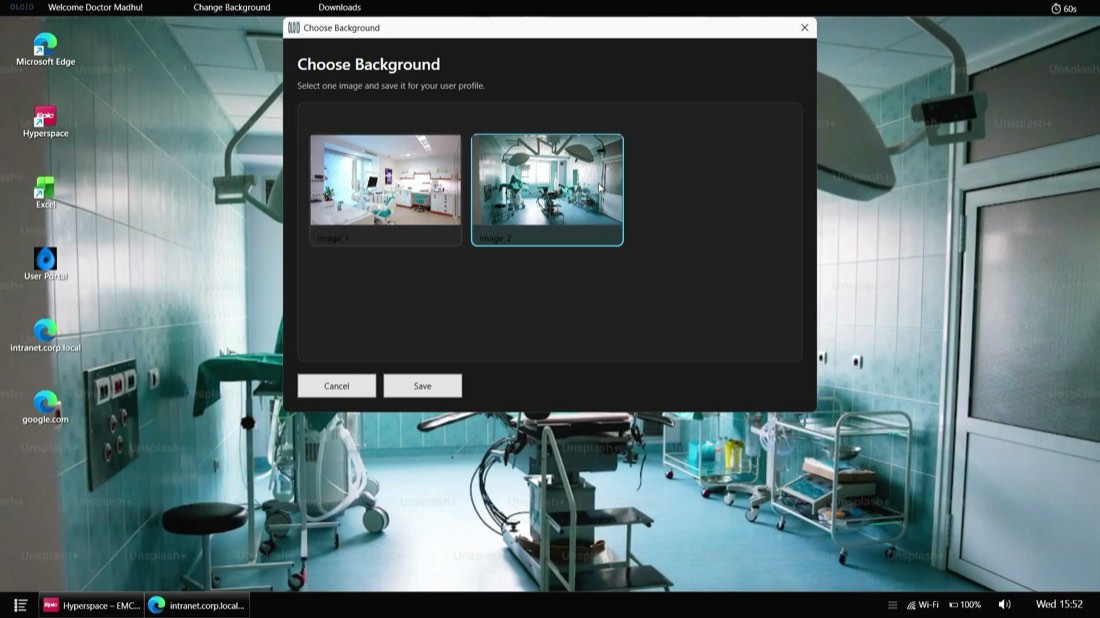
OLOID Windows Launcher turns a shared PC into a managed kiosk. Windows signs itself in, OLOID takes over the session, and the worker sees a launcher holding only the applications they are entitled to — each one opened already signed in.

Where it lives
Windows Login replaces the lock‑screen prompt. Launcher goes further: the Windows account is signed in automatically at boot, and OLOID owns everything the worker sees from that point on. There is no desktop to wander, no Start menu to search, and no second credential to remember.
Windows auto‑logs into a managed local account at boot. Nobody types a Windows password, because nobody needs one.
The launcher shell starts in place of the desktop and stays in front. The worker identifies themselves to OLOID, not to Windows.
The launcher shows the applications that worker is entitled to — and nothing else.
OLOID supplies the credential each app expects, so the worker moves straight into the work.
Per‑user app catalogue
The launcher is configured centrally, per user or per role. A nurse on a ward station and a picker on a packing line can share the same hardware and the same image, and still open to entirely different sets of applications.

Identity
When a worker identifies themselves at the launcher, OLOID issues a session token for that person. That token federates with the identity provider the organisation already operates — so the worker is a real, named identity in your directory for the length of their session, on a machine that is signed into a shared Windows account.
Credentials
Not every application can be federated. Launcher carries its own vault so the ones that cannot still open signed in: it holds passwords and passkeys for a worker and fills them in on their behalf — in browser‑based applications and in native Windows applications that predate SSO entirely.
Workflows
What happens at sign‑in, during the session and at hand‑over is configuration, not a fixed product opinion. One image can serve every site you run.
See it running
Recordings from a working deployment — signing in at the kiosk through to an SSO session, and handing a live clinical application from one worker to the next.
Sign in to Entra ID. A worker identifies themselves at the launcher, and the session carries straight through to a Microsoft Entra ID sign‑in without a second credential.
Fast user switching in Epic. One worker taps their badge and is signed in; the next taps theirs and the session changes hands — inside Epic, without logging the machine out and back in.
Video loads only when you press play.
Lockdown
Owning the session is only useful if the worker cannot step outside it. The machine is hardened at provisioning, and the browser is fenced in by policy rather than by convention.
At a glance
| Runs as | A managed shell on a Windows PC that auto‑logs into a local account at boot. OLOID owns the session in place of the desktop. |
|---|---|
| Best for | Shared and kiosk workstations where many people use one machine across a shift. |
| App catalogue | Assigned per user or per role. Workers see only what they are entitled to. |
| Identity | A per‑worker session token federated with Microsoft Entra ID, Okta or Ping Identity. |
| Credentials | Built‑in password and passkey manager with autofill into web applications and legacy native Windows applications. |
| Lockdown | Browsing restricted to allowed domains, downloads forced to a controlled folder, Task Manager blocked at provisioning, optional inactivity sign‑out. |
| Customisation | Catalogue, branding, backgrounds, login actions, and lock and logout behaviour are configured per tenant, per device and per user group. |
| Related | Windows Login — the credential provider for machines that keep a normal Windows desktop. |