Product overview
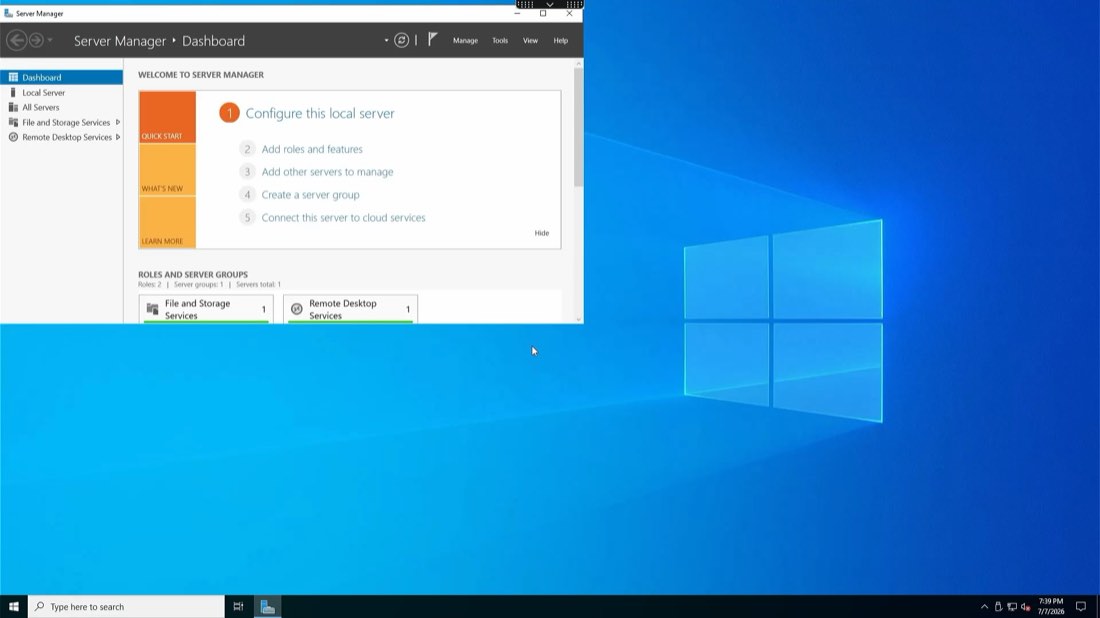
A worker taps their badge at a thin client or a shared PC and lands in their own Citrix session — their entitlements, their profile, their audit trail — without the endpoint ever needing to know who they are.
Where it fits
Some floors run thin clients. Others run full PCs that reach Citrix through the Workspace app. OLOID sits in front of both and behaves the same way, so a site does not need one process for its thin clients and another for everything else.
Shared device, named session
This is the part that usually blocks shared hardware. The endpoint is signed in as a local or shared account and stays that way — but the Citrix session that opens belongs to the individual who badged in. It works in the other direction too: a worker signed in by name at the endpoint can still be taken into a shared Citrix session where a role calls for one.

Fast user switching
At a shift change the endpoint stays exactly where it is. The outgoing worker’s Citrix session disconnects rather than ending, the next worker taps their badge, and their own session connects in its place. Nobody waits on a boot, a Windows login, or a Citrix Workspace sign-in.
Follow-me desktop
A frontline worker rarely stays at one screen. Because the session belongs to the person rather than the endpoint, badging in somewhere else reconnects the session they already had — the same applications, still open, still where they were left. Walking to another room stops costing a fresh login and a re-navigation.
Epic on Citrix
Most hospitals publish Epic through Citrix rather than installing it on every endpoint. Getting a clinician to a Citrix desktop is only half the journey — they still have to find Epic and sign in to it. OLOID carries the same identity the rest of the way, so a badge tap at the thin client lands the clinician inside Epic itself.

See it running
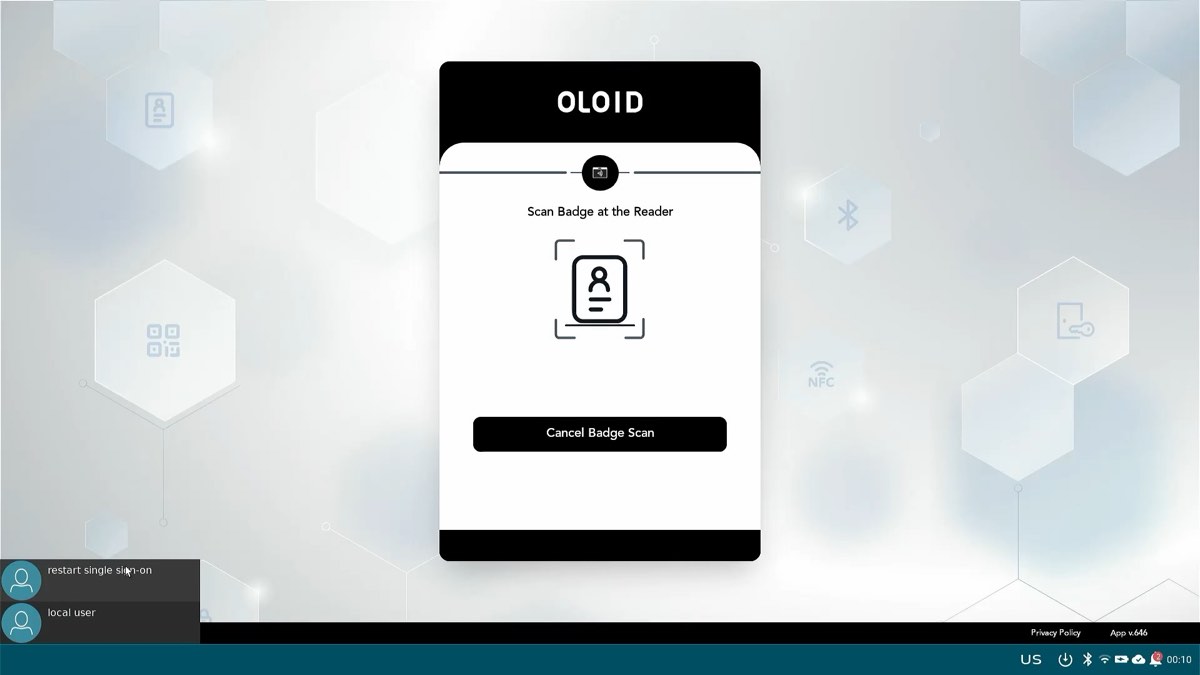
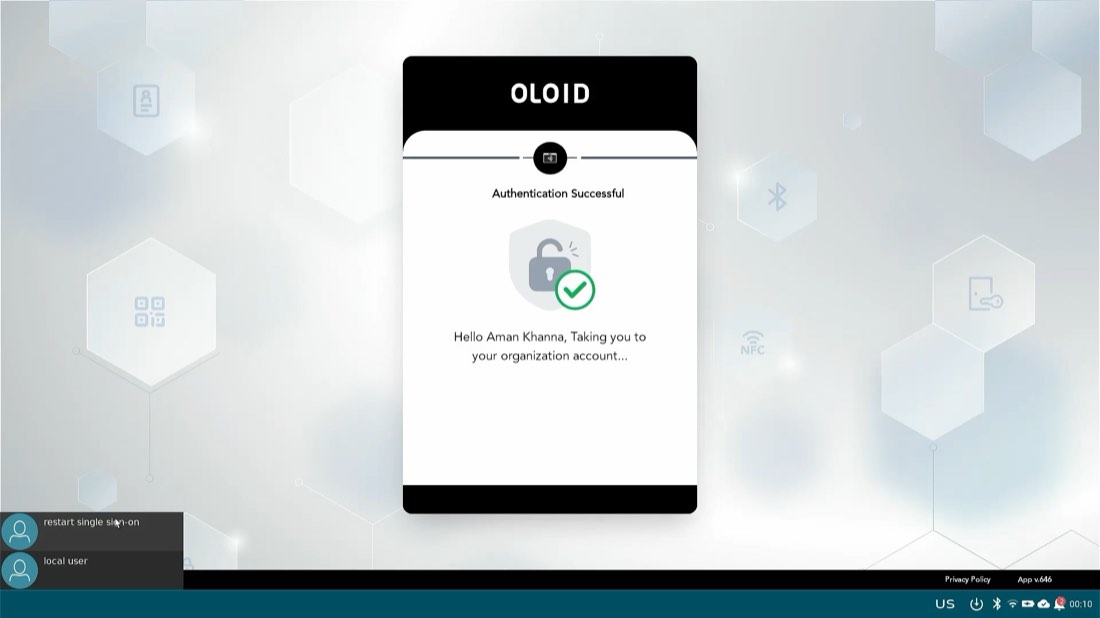
A recording from an IGEL thin client: the badge scan, the hand-off to an organisation account, and the Citrix session opening on top of it.
IGEL and Citrix login. A badge tap at the thin client, an organisation account opened on a device signed in locally, and the Citrix session arriving on top.
Video loads only when you press play.
At a glance
| Endpoints | Thin clients such as IGEL, and Windows PCs reaching Citrix through the Workspace app. |
|---|---|
| Sign-in | The worker’s badge or face at the endpoint, in about a second. |
| Device account | Independent of the session. A shared or local device account can carry a named Citrix session, and the reverse. |
| Session type | Published applications or a published desktop. |
| Hand-over | Fast user switching — the outgoing session disconnects and the next worker’s connects, with the endpoint left up. |
| Roaming | Follow-me desktop — badging in elsewhere reconnects the same session rather than starting a new one. |
| Applications | Including Epic published through Citrix, entered directly rather than via the desktop. |
| Related | Windows Login and Windows Launcher for endpoints that keep a local desktop. |